
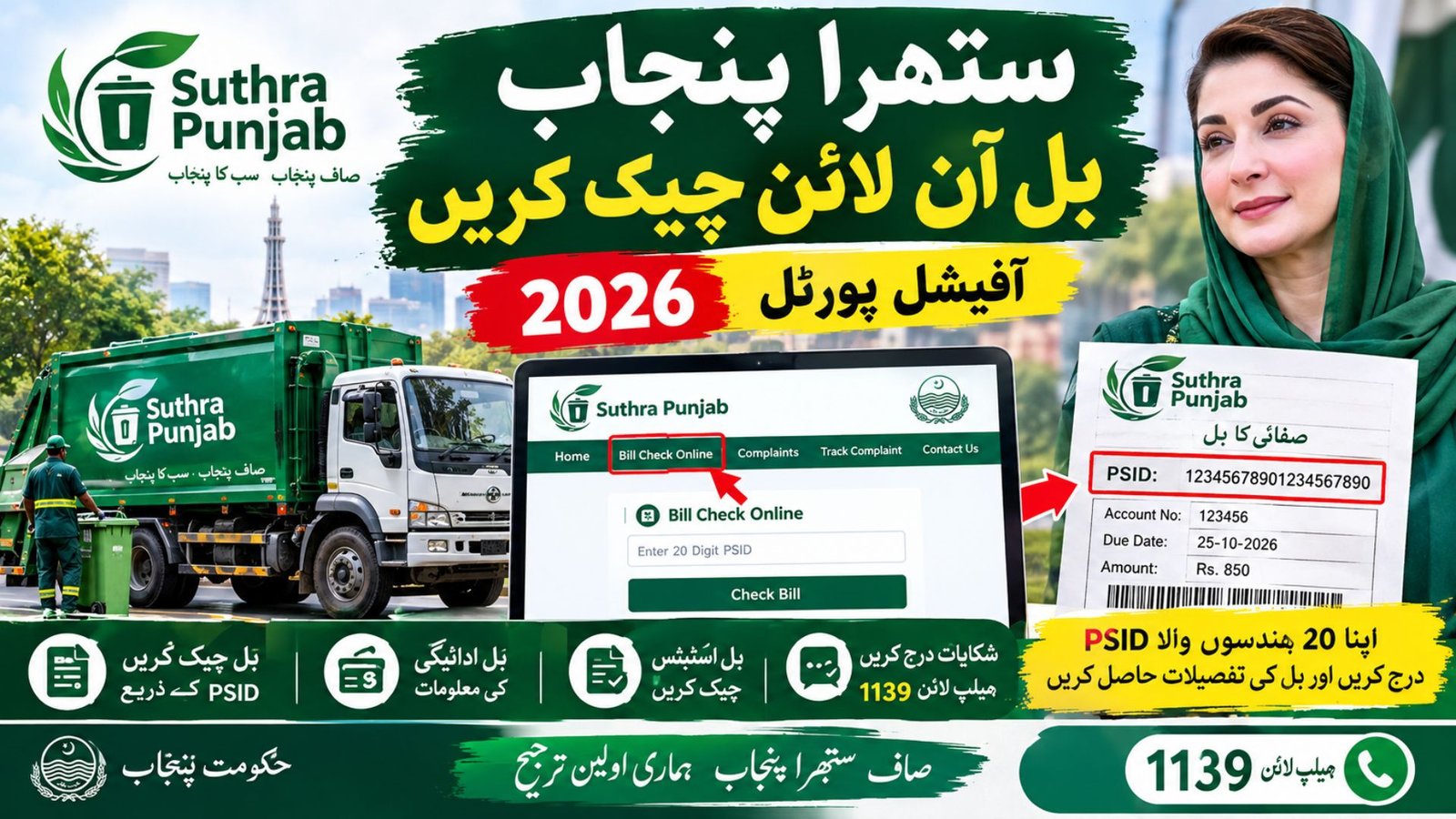
Latest Update: Suthra Punjab Online Bill Check by-psid 2026 – Check Sanitation Bill by 20-Digit PSID
Suthra Punjab Online Bill Check 2026
Suthra Punjab online bill check is a useful service for residents who want to verify their sanitation bills without visiting a local office. The official Punjab government website allows citizens to check their Suthra Punjab bill online by entering the 20-digit Payment Slip ID (PSID) printed on their bill. The service is designed to make bill verification easier and help residents access relevant billing information through an online portal.
As of October 2026, the official Suthra Punjab website also provides access to cleanliness complaints, complaint tracking, local service offices and the helpline 1139. Before checking or paying a bill, residents should use the official government website and verify the information printed on their own bill. This guide explains the complete procedure, the background of the sanitation programme, important figures from 2025 and 2026, and the steps to follow if a bill or PSID is missing.
More Read: How to Apply for a New Electricity Meter in Pakistan 2026
Suthra Punjab Bill Check Online – Official Portal 2026
The safest way to perform a Suthra Punjab bill check online is to visit the official website at suthra.punjab.gov.pk. From the homepage, open the Bill Check Online option to reach the relevant billing page.
The official service identifies the 20-digit PSID as the number required for online bill verification. Keep your printed sanitation bill or a clear photograph of it available before starting the process, because entering an incorrect number may prevent you from finding the relevant bill.
Official bill check link: https://suthra.punjab.gov.pk/bill-check.php
Use this government link rather than an unofficial website that promises to retrieve a bill using personal information. The official homepage also provides access to the digital portal, complaint registration and other citizen services.
How to Check Suthra Punjab Bill Online by PSID
Residents can follow these steps to check their sanitation bill through the official portal.
Step 1: Open the Suthra Punjab Official Website
Visit the Suthra Punjab official website. Check that the website address ends with the official Punjab government domain before entering any information.
Step 2: Select Bill Check Online
Find the bill-checking option on the homepage and open it. The billing page is intended for residents who need to verify their sanitation bill or access the available bill information.
Step 3: Enter Your 20-Digit PSID
Locate the PSID printed on your Suthra Punjab bill. PSID stands for Payment Slip ID, and the official portal specifies a 20-digit number for bill verification.
Enter all 20 digits carefully, keeping the sequence exactly as printed. Do not replace the PSID with your CNIC number or a mobile number unless an official service specifically requests that information for another purpose.
Step 4: Submit the Information
Follow the instructions displayed on the official bill-check page. If the service returns a result, review the bill information and confirm that it relates to your property or account.
Step 5: Review the Bill Status
Check the details shown on the page and compare them with your printed bill or previous payment record, if available. If the portal does not return a result, recheck the PSID and contact the official helpline at 1139 if the problem continues.
Suthra Punjab PSID Check – What Is a 20-Digit PSID?
A PSID is a Payment Slip ID used to identify a particular payment record or bill. For the Suthra Punjab bill check service, the official website instructs users to enter the 20-digit PSID printed on their current sanitation bill.
The Suthra Punjab PSID number is therefore the most important detail to keep ready before starting an online inquiry. Residents should not confuse it with their CNIC, property number, electricity reference number or mobile number.
If you have received a printed bill, look for the field marked PSID or Payment Slip ID. If you cannot find the number, check the entire bill carefully and keep any previous official receipt available when contacting customer support.
If the PSID is missing, damaged or unreadable, do not guess the digits. Contact the official helpline or submit a billing-related complaint to request guidance.
Suthra Punjab Bill Online – Important Information and Figures
Suthra Punjab is a province-wide sanitation and waste-management programme intended to improve cleanliness in cities, towns and rural areas. Its work includes waste collection, street cleaning, drain maintenance and the management of solid waste.
The programme’s official website provides the following operating figures for 2026.
| Information | Reported figure or detail |
|---|---|
| Programme | Suthra Punjab |
| Province | Punjab, Pakistan |
| Districts covered | 41 |
| Tehsils connected through the service model | 146 |
| Sanitation workers and field force | Approximately 180,000 |
| Vehicles and fleet assets | Approximately 40,000 |
| Bill verification method | 20-digit PSID |
| Citizen helpline | 1139 |
| Official website | suthra.punjab.gov.pk |
| Main online services | Bill checking, complaints and complaint tracking |
These figures describe the programme’s published operating scale; they do not mean that every service, bill or fee is identical in every district. Residents should verify their own bill and follow the information provided by the relevant official service.
More Read: Passport Tracking Pakistan by Token Number Online 2026
Suthra Punjab Bill History: What Changed Between 2025 and 2026?
Understanding the earlier background helps residents distinguish the programme’s development from the current online billing service.
Suthra Punjab in 2025
The Punjab government launched the Suthra Punjab programme in December 2024. During 2025, the initiative continued expanding its cleanliness operations, while reports also discussed a proposed sanitation fee structure for households and commercial properties.
A report published by Dawn on August 8, 2025, described a proposed monthly cleanliness fee based on property size and business category. A separate ProPakistani report dated August 25, 2025, discussed a waste-tax structure with different reported amounts for urban and rural properties.
These reports are useful for understanding the historical discussion around sanitation charges. However, a reported proposal or tax structure should not automatically be treated as the current, universally applicable tariff for every property in Punjab. The amount payable must be confirmed through the resident’s actual bill and the relevant official authority.
Suthra Punjab in 2026
In January 2026, Dawn reported that the programme had entered a correction phase after its first phase ended on December 31, 2025. The report described plans to address operational gaps and improve staffing, monitoring and sanitation coverage.
By October 2026, the official Suthra Punjab website provided an online bill-checking service based on the 20-digit PSID, along with citizen complaint facilities and helpline support. The website’s published operating snapshot listed 41 districts, 146 tehsils, approximately 180,000 sanitation workers and field staff, and around 40,000 vehicles and fleet assets.
The key point for residents is that the online bill-checking procedure is straightforward, but the exact charge, due date and payment status should be confirmed from the current bill rather than inferred from an older news report.
Suthra Punjab Bill Payment – How to Proceed Safely
After completing a Suthra Punjab bill check, residents may need to pay the amount shown on their bill. Before making a payment, confirm the PSID, payable amount, due date and any other instructions printed on the official bill.
Use a payment method specifically listed on your bill or provided by an authorised government payment service. Do not assume that every banking application, mobile wallet or payment channel supports this bill unless the relevant service confirms it.
After payment, keep the transaction receipt or confirmation message. If the portal continues to show an unpaid balance, allow for any processing time stated by the payment provider and then contact official support with your PSID and payment reference.
A successful payment transaction and an updated bill status are not always displayed at exactly the same time. Therefore, keep your receipt until the payment is reflected in the relevant record.
More Read: BISP 8171 Biometric Payment Problem Solution 2026
Suthra Punjab Bill Verification and Bill Status Check Online
Suthra Punjab bill verification helps residents review the available information associated with their sanitation bill. When using the Suthra Punjab bill status check online service, compare the result with your printed bill and any previous payment record.
If the bill information appears incorrect, avoid making a second payment simply because the status has not updated. First, confirm the transaction and ask the relevant official service to investigate the discrepancy.
Residents looking for Suthra Punjab bill inquiry online services should begin with the official bill-check page. If the website does not display the expected information, the helpline and complaint facilities provide alternative routes for requesting assistance.
Suthra Punjab Bill Related Complaints – Helpline 1139
The official Suthra Punjab website lists 1139 as the citizen helpline for cleanliness-related support. Residents can also use the online complaint form to report an issue and receive a complaint ID for tracking.
For a billing problem, select the relevant bills-related complaint category where available and explain the issue clearly. For example, you may need assistance with an incorrect bill, an unrecognised charge or a payment that has not been reflected in the record.
Keep your bill and payment receipt available when contacting support. Share personal or payment information only through an official channel and avoid posting your complete PSID or other sensitive details publicly.
Official complaint page: https://suthra.punjab.gov.pk/complaint.php
The complaint-tracking service can also help residents follow up on a submitted complaint using the information requested by the official portal.
Suthra Punjab Bill Check Website – Important Safety Guidelines
Residents should take a few precautions when using the Suthra Punjab digital portal.
- Always verify the official website address before entering a PSID or other details.
- Use the 20-digit PSID printed on your current bill rather than guessing a number.
- Check the payable amount and due date before completing a transaction.
- Keep payment receipts until the bill status has been updated.
- Do not trust unofficial websites or social media posts that promise guaranteed bill results.
- Never share your banking PIN, password or one-time verification code with an unknown person.
- Contact helpline 1139 or use the official complaint form if the bill details are incorrect or the online service does not work.
The Suthra Punjab official bill check portal is the appropriate starting point for bill verification. The digital portal and public bill-checking service may have different functions, so residents should select the option that matches their needs rather than assuming that every portal login is required for a simple bill inquiry.
Frequently Asked Questions
1. How can I check my Suthra Punjab bill online?
Visit the official website at https://suthra.punjab.gov.pk/bill-check.php and follow the on-screen instructions using the 20-digit PSID printed on your bill.
2. How can I perform a Suthra Punjab bill check by PSID?
Find the 20-digit Payment Slip ID on your current sanitation bill, enter it on the official bill-check page and submit the requested information.
3. What is the Suthra Punjab PSID number?
It is the 20-digit Payment Slip ID printed on the sanitation bill. The official bill-check service uses this number for bill verification.
4. Can I check my Suthra Punjab bill without a PSID?
The official online bill-check instructions specify a 20-digit PSID. If you do not have it, contact helpline 1139 or submit an official billing complaint for guidance.
5. How can I check my Suthra Punjab bill payment status?
Open the official bill-check page and follow its instructions. Compare any displayed information with your payment receipt, and contact official support if the record does not reflect your transaction.
6. What should I do if my Suthra Punjab bill is incorrect?
Keep a copy of the bill, explain the issue through the official complaint service or call 1139, and retain the complaint ID for follow-up.
7. Is the Suthra Punjab bill check service available throughout Punjab?
The official programme website lists 41 districts and 146 tehsils connected through its service model. However, the availability of a particular billing service or charge can depend on the relevant local arrangements, so confirm your own bill through the official channel.
8. Is the Suthra Punjab bill-check website safe?
The Punjab government website is the recommended source for this service. Check the domain carefully, avoid unofficial lookalike websites and never disclose banking passwords or PINs.
Conclusion
Suthra Punjab online bill check allows residents to begin their sanitation bill inquiry through the official government portal using the 20-digit PSID printed on their bill. In October 2026, the official website also provides access to complaint registration, complaint tracking and helpline 1139.
The programme’s development since its December 2024 launch, its operational expansion during 2025 and the published service figures for 2026 show why digital access is important for residents. However, historical fee proposals should not be confused with a current bill or a confirmed universal tariff. Always verify the amount, due date and payment status through the relevant official service before making a payment.
Official bill check: https://suthra.punjab.gov.pk/bill-check.php
Citizen helpline: 1139