
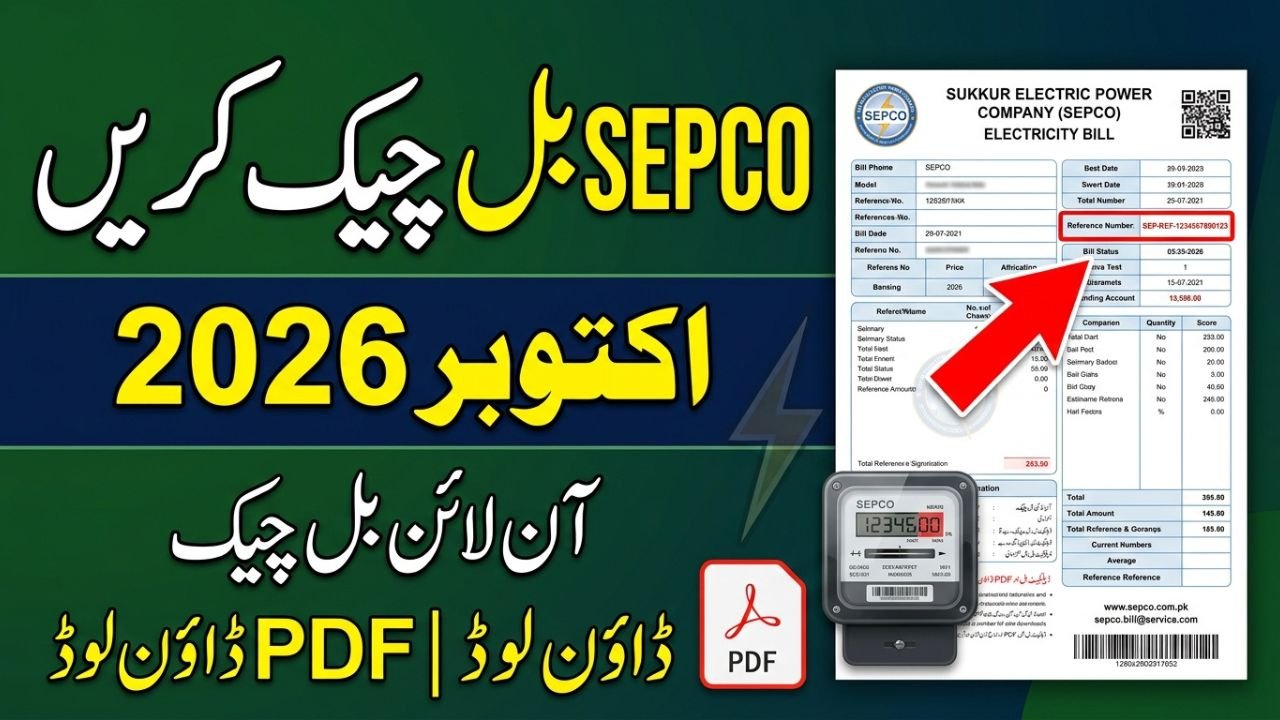
SEPCO Bill Check Online October 2026 – Duplicate Bill PDF & Print
SEPCO Bill Check Online
SEPCO bill check online October 2026 ka tareeqa un electricity consumers ke liye useful hai jo apna monthly bill, payable amount, due date aur electricity units ghar baithe check karna chahte hain. Sukkur Electric Power Company (SEPCO) ke consumers online billing portal ke zariye apne bill ki available details dekh sakte hain aur zaroorat par duplicate copy download ya print kar sakte hain.
Is guide mein SEPCO online bill reference number, 14-digit number enter karne ka tareeqa, old bill check, current month bill aur duplicate bill PDF ke bare mein asaan alfaaz mein bataya gaya hai. Agar aapka paper bill abhi tak receive nahi hua ya kahin kho gaya hai, to purane bill par maujood reference number se online lookup shuru kar sakte hain.
Important: October 2026 ke bill ki exact amount, units aur due date har connection ke liye alag hoti hai. Is liye apne connection ki latest details portal par check karein; kisi generic article mein di gayi amount ko apna confirmed bill na samjhein.
SEPCO Bill Check Online 2026 – Quick Details
| Information | Details |
|---|---|
| Electricity company | Sukkur Electric Power Company (SEPCO) |
| Service | Online electricity bill lookup |
| Official company website | sepco.com.pk |
| Bill lookup portal | bill.pitc.com.pk/sepcobill |
| Required information | Previous bill ka reference number |
| Duplicate bill | Portal par availability ke mutabiq |
| PDF and printing | Bill open hone par browser ke print/download options |
| October 2026 bill amount | Consumer ke actual bill se confirm karein |
| Due date | Current bill par check karein |
| CNIC lookup | Direct CNIC-only lookup ko confirmed facility na samjhein |

Bill lookup portal aur company website ke addresses upar diye gaye hain. Portal ka response kabhi technical issue, maintenance ya billing record update hone ki wajah se delay ho sakta hai.
Also Read ; Fuel Relief Scheme Revised
How to Check SEPCO Bill Online by Reference Number
SEPCO bill online check karne ka sab se practical tareeqa apne previous electricity bill ka reference number use karna hai. Yeh number connection ki billing details locate karne mein madad karta hai. Aapko aam tor par naya account banane ya online registration form bharne ki zaroorat nahi hoti, lekin portal par jo instructions dikhai dein un par amal karein.
- Apne ghar ya business ka purana SEPCO bill nikaalein.
- Bill par Reference No. ya Reference Number ka label dhoondein.
- SEPCO Web Bill Portal open karein.
- Reference number ko portal ke field mein bilkul sahi enter karein.
- Agar verification ya captcha aaye to usay complete karein aur search karein.
- Bill display ho jaye to billing month, units, payable amount aur due date ko check karein.
Agar result show nahi hota, to number dobara check karein aur confirm karein ke aap SEPCO ka hi bill dekh rahe hain. Purane bill ki photo ya saved PDF reference number dobara dhoondhne mein madad kar sakti hai.
SEPCO Online Bill Enter 14 Digit – Reference Number Kahan Milta Hai?
SEPCO online bill enter 14 digit search karne wale consumers aksar reference number aur doosre bill numbers mein farq nahi kar pate. Printed bill par consumer information ke section mein reference number dhoondein. Usay kisi doosre number, jaise meter number ya consumer ID, ke saath confuse na karein.
Agar aapke bill par 14-digit reference number diya gaya hai, to usi ko enter karein. Digits ko carefully check karna zaroori hai, kyun ke ek digit ghalat hone par bill record nahi mil sakta. Agar aapke bill ka format mukhtalif hai, to usay zabardasti 14 digits banane ke liye zero add na karein; portal ki instructions follow karein.
Reference Number Aur Consumer ID Mein Farq
| Detail | Reference number | Consumer ID |
|---|---|---|
| Purpose | Billing record locate karna | Consumer ya connection ko identify karna |
| Kahan milega? | Printed bill par | Printed bill par, agar diya ho |
| Kya dono same hain? | Nahi, zaroori nahi | Nahi, zaroori nahi |
| Online use | Portal ke required field ke mutabiq | Sirf jab portal accept kare |
Is liye SEPCO online bill reference number enter karte waqt wohi identifier use karein jo billing portal maangta hai.
SEPCO Sukkur Online Bill Check – October 2026
SEPCO Sukkur online bill check ka process un consumers ke liye hai jo Sukkur aur SEPCO ke service areas mein electricity use karte hain. Online bill dekhne ke liye pehle apne bill par electricity distribution company ka naam confirm karein, kyun ke Sindh ke mukhtalif ilaqon mein different distribution companies service deti hain.
October 2026 ka bill check karte waqt yeh details dekhein:
- Billing month: Confirm karein ke bill October 2026 ka hai.
- Units consumed: Is billing period mein use ki gayi electricity.
- Current charges: Bill mein shamil electricity aur applicable charges.
- Previous balance: Agar pichle bill ka koi balance baqi hai, to uski entry check karein.
- Due date: Payment ki aakhri tareekh.
- Payable amount: Due date se pehle aur uske baad applicable amount mein farq ho sakta hai.
Agar bill mein koi entry samajh nahi aati, to apne bill ki details ko pichle month ke bill se compare karein aur zaroorat par SEPCO se clarification lein.
SEPCO Bill Check Online October 2026 – 2025 Aur 2026 Mein Kya Farq Hai?
2025 aur 2026 ke bill-checking process ka bunyadi maqsad ek hi hai: consumers apna electricity bill dekh saken aur payment se pehle zaroori details verify kar saken. Online bill check karne ke liye kisi specific month ka naam search mein likhna lazmi nahi hota; asal cheez aapke connection ka sahi billing record hai.
| Feature | 2025 ka tareeqa | October 2026 mein kya karein |
|---|---|---|
| Bill lookup | Previous bill ka reference number use karein | Reference number se available current bill locate karein |
| Paper bill lost | Purane record se number hasil karein | Saved bill, photo ya PDF se number dobara dekhein |
| Bill copy | Available online copy check karein | Portal par bill khol kar print ya PDF save karein |
| Amount verification | Printed bill se compare karein | Current bill ke charges aur due date verify karein |
| Payment | Available payment channels use karein | Bank ya authorized payment service se current bill pay karein |
Note: Yeh table process ka practical comparison hai, koi official announcement nahi ke 2026 mein SEPCO ne billing system mein koi nayi tabdeeli ki hai. Kisi specific feature ke launch ya change ka dawa tabhi karna chahiye jab uski official confirmation available ho.
SEPCO Online Bill Check January 2026
SEPCO online bill check January 2026 search karne wale consumers ko apne January ke purane billing record ki zaroorat ho sakti hai. Agar aap January 2026 ka bill dobara dekhna chahte hain, to sab se pehle apni saved PDF, mobile gallery mein bill ki photo ya paper copy check karein.
Yeh samajhna zaroori hai ke current bill portal par aam tor par latest available billing record dikhaya jata hai. January 2026 ka bill har connection ke liye portal par ab bhi available ho, iski guarantee nahi di ja sakti. Agar purana record online show nahi hota, to SEPCO ke relevant office se duplicate ya billing history ke bare mein maloomat lein.
SEPCO Old Bill Check – Purana Bill Kaise Dekhein?
SEPCO old bill check karne ke liye aapko yeh tay karna chahiye ke aapko purane bill ki copy chahiye, payment history chahiye ya sirf reference number. In teeno ka maqsad alag ho sakta hai.
Agar aapke paas purana paper bill hai, to us se reference number mil sakta hai. Agar aapne pehle bill ko PDF mein save kiya tha, to mobile ya computer mein us file ko search karein. Purane bill ki copy milne par uska billing month aur due date check karein, taake usay current bill samajhne ki ghalti na ho.
Agar aapko purane bill ki payment verify karni hai, to sirf purani copy dekhna kaafi nahi. Payment receipt, bank transaction history ya authorized payment channel par available status bhi check karein.
SEPCO Duplicate Bill Online – PDF Download Aur Print
Agar original bill receive nahi hua, paper copy kho gayi hai ya aapko office ke liye additional copy chahiye, to SEPCO duplicate bill online check kar sakte hain. Duplicate bill asal bill ki replacement copy hota hai; yeh naya electricity connection ya alag billing period nahi hota.
SEPCO Duplicate Bill Download PDF Karne Ka Tareeqa
- SEPCO Web Bill Portal open karein.
- Apne bill ka reference number enter karein.
- Required verification complete karke bill search karein.
- Agar bill display ho jaye, to uski billing details aur due date check karein.
- Browser mein download ya print ka option available ho to PDF save karein.
Portal ka interface device aur browser ke mutabiq mukhtalif ho sakta hai. Agar direct PDF download ka button nahi milta, to browser ka print option khol kar Save as PDF select karein, agar yeh option available ho.
SEPCO Online Bill Print – Mobile Aur Computer Se
SEPCO bill print online karne ke liye pehle bill ko screen par open karein. Mobile par browser ke menu se Print ya Share options check karein; computer par Ctrl + P se print dialog khola ja sakta hai. Available options mein printer select karein ya PDF ke taur par save karein.
Print nikalne se pehle consumer details, billing month, payable amount aur due date ko verify karna behtar hai. Agar bill mein multiple payment amounts diye gaye hon, to payment karte waqt current bill ki instructions follow karein.
SEPCO Bill Online Check by CNIC – Kya Yeh Mumkin Hai?
SEPCO bill online check by CNIC ke liye consumers aksar apna 13-digit CNIC number enter karke bill dhoondhna chahte hain. Lekin CNIC-only lookup ko tab tak confirmed facility nahi samajhna chahiye jab tak official portal khud yeh option provide na kare.
Bill check karne ke liye reference number sab se practical starting point hai. Agar aapke paas reference number nahi hai aur sirf CNIC available hai, to apne qareebi relevant SEPCO office ya official customer-support channel se poochhein ke connection verify karne ke liye kaun se documents chahiye.
Apna CNIC number kisi ghair-mustand website par enter karne se pehle uski authenticity check karein. Kisi unofficial website ko CNIC, account credentials ya doosri sensitive information dene se gurez karein.
SEPCO Current Month Bill Check Aur Payment Status
SEPCO latest bill check online karte waqt current month ka record select karna aur uski payment deadline samajhna zaroori hai. Bill par units, charges, previous balance aur due date ko dekhein. Agar payment pehle hi kar chuke hain, to receipt ya bank transaction record apne paas rakhein.
SEPCO previous month bill check online karte waqt bhi billing period ko confirm karein. Agar portal par purana bill available nahi hai, to saved copy ya authorized office se billing record ke bare mein maloomat hasil karein.
Bill generate hone aur payment record update hone ke darmiyan kuch waqt lag sakta hai. Is liye payment ke foran baad online status update na ho, to transaction receipt ko sambhal kar rakhein aur bank ya relevant company se verification karein.
Important Note for SEPCO Consumers
- Online bill par printed due date ko follow karein; kisi article ki publication date ko payment deadline na samjhein.
- Agar bill mein unusual charges, incorrect meter reading ya purana balance nazar aaye, to bill ki copy aur available meter-reading details ke saath complaint karein.
- Payment sirf bank ya authorized payment channel se karein aur receipt sambhal kar rakhein.
- Online bill check karne ke liye unofficial websites par personal details dene se pehle unki reliability verify karein.
- Electricity tariffs, taxes aur adjustments waqt ke saath change ho sakte hain. Is liye current bill aur applicable official notifications ko final reference samjhein.
Frequently Asked Questions (FAQs)
1. SEPCO bill check online October 2026 kaise karein?
Official bill lookup portal open karein, apna reference number enter karein aur required verification complete karein. Bill display hone par billing month, amount aur due date check karein.
2. Kya SEPCO online bill check ke liye 14-digit reference number zaroori hai?
Agar portal 14-digit reference number maangta hai, to bill par diya gaya number enter karein. Agar aapke bill ka format different hai, to portal ki instructions follow karein aur apni taraf se digits add na karein.
3. SEPCO duplicate bill PDF free mein download ho sakta hai?
Agar online portal bill ki copy display karta hai, to browser ke available download ya print options se PDF save karne ki koshish karein. Kisi third-party service ke charges ya conditions ko official company policy na samjhein.
4. Kya SEPCO bill CNIC se check ho sakta hai?
CNIC-only lookup ki availability official portal se confirm karein. Agar yeh option nahi milta, to reference number ya SEPCO office ke zariye connection details hasil karein.
5. SEPCO January 2026 ka old bill online kyun nahi mil raha?
Purana billing record portal par available na hone, number ghalat enter hone ya technical issue ki wajah se result nahi aa sakta. Saved PDF ya paper bill check karein aur zaroorat par SEPCO se contact karein.
6. SEPCO bill print online kaise nikalein?
Bill display hone ke baad Print option use karein. Agar paper print ki jagah electronic copy chahiye, to print dialog mein Save as PDF select karein, agar option available ho.